Gamification in the Classroom: What Works, What Backfires
A grounded guide to gamification in the classroom — the mechanics that help learning, the ones that backfire, and a reusable lesson plan template.
Gamification in the classroom has a split reputation. Teachers who have seen it done well swear by it; teachers who have seen it done badly see it as a distraction dressed up with stickers. Both are right. The mechanics that actually help learning are narrow; the ones that backfire are common. This guide separates the two and gives you a gamified lesson plan you can run without turning your classroom into a points-scoring arcade.
What gamification actually is
Gamification is the use of game mechanics — points, levels, challenges, feedback loops — in a non-game context, in this case teaching. The goal is usually to increase engagement, effort, or persistence on a task students might otherwise find dry.
It is not:
- Playing games in class. That is game-based learning, a related but distinct approach where the game is the learning medium.
- Making lessons "fun." Fun is a nice side effect, not the goal. If the gamification does not produce more learning, it is not working.
- Rewards for attendance or behaviour. That is behaviour management, which is useful but outside what gamification for learning means.
What actually works in classroom gamification
The evidence is mixed overall. Sailer and Homner's 2020 meta-analysis in Educational Psychology Review found small but positive effects across cognitive (g = 0.49), motivational (g = 0.36), and behavioural (g = 0.25) outcomes — with significant variance by mechanic. Three mechanics reliably work:
1. Progress visibility
A visible progress bar — on the board, on a dashboard, or on a simple paper tracker — toward a concrete learning goal. "You have mastered 7 of 10 skills this unit" beats a stack of marked work in a folder. Works because students can see the arc, not because the bar is inherently motivating.
2. Low-stakes challenges with immediate feedback
Short timed quizzes, mini-problems with instant right/wrong feedback, retrieval grids with a visible completion score. The feedback loop is the mechanic, not the score. Keep stakes low — a quiz that affects the grade book undoes the "low pressure" property.
3. Meaningful choice
Let students pick which problems to attempt from a set, or which challenge to take on first. The choice itself produces more effort than the same problems assigned in order. Keep the options genuinely different; three versions of the same question is not choice.
What backfires
Five gamification patterns that look like engagement but often hurt learning:
1. Points for everything
Once points are the currency, students optimise for points rather than learning. The first time a student asks "is this going to be graded" for an exercise that is not graded, the points economy has already displaced the learning goal.
2. Leaderboards of any kind
Classroom leaderboards consistently demotivate the students in the bottom half, which is the half that most needed the extra motivation. The top students were already motivated; they do not need the extra push. Net effect: negative.
3. Badges without meaning
A badge for "turned in homework three times" teaches nothing except that the teacher will give you a sticker for doing the baseline. Badges work only when they mark a specific, hard-to-earn achievement tied to the learning objective.
4. Cosmetic rewards as the main loop
Avatar customisation, virtual pets, shop-unlock systems. The engagement is real but the engagement is with the reward, not the learning. If you cut the reward system, students go back to neutral.
5. Time-pressure everything
Timer on every task, race to finish. Turns retrieval practice into anxiety practice. Time pressure is useful occasionally and harmful daily.
The reusable gamified lesson plan template
1. Objective and progress marker (3 min)
State the learning objective. Show where today sits on a unit progress bar — "today is skill 5 of 10."
2. Warm-up challenge (5–7 min)
Short retrieval challenge — 5 questions, low stakes, visible completion. Paper, whiteboards, or digital quiz. The loop is the feedback, not the score.
3. Teaching (15–20 min)
Explicit instruction or whatever the content demands. Gamification is the wrapper, not the core teaching.
4. Choice challenge (15–20 min)
Present three versions of the practice task — different surface, same underlying skill. Students pick one. Higher-challenge versions do not carry bonus credit — the choice itself is the mechanic.
5. Final check-in (5 min)
Update the unit progress bar based on today's exit ticket. Students see the bar move. This is the payoff.
Three gamified lesson examples
Example 1: Year 7 maths — integer operations
Unit progress bar tracks mastery of 10 integer operation skills. Today covers skill 4: subtracting a negative. Warm-up: five retrieval questions on skills 1–3 with immediate feedback. Teaching: explicit instruction on skill 4. Choice challenge: three versions of a practice set — word problems, abstract equations, or visual number-line tasks. Final check-in: two problems, progress bar updates publicly at unit level, privately per student.
Example 2: Year 10 English — analytical paragraphs
Unit progress bar: six rubric criteria for analytical writing. Warm-up: identify which criteria a sample paragraph hits. Teaching: focused lesson on evidence-embedding. Choice: students pick one of three texts to write an analytical paragraph on. Final check-in: self-assess against the six criteria; move the pin for any they hit for the first time.
Example 3: Primary Year 4 — times tables fluency
Progress bar: fluency across 12 multiplication tables. Warm-up: 30-second retrieval round on last week's table. Teaching: pattern-spotting on today's table. Choice: three mini-challenge cards — speed, accuracy, or explain-the-pattern. Check-in: fluency round, public class progress bar updates, no individual leaderboard.
Common gamification mistakes
- Mechanics without a learning goal. If you would struggle to name what the mechanic teaches, cut it.
- Public individual scores. Leaderboards, visible scores, top-of-class callouts — all demotivate the students you most wanted to reach.
- Layering too many mechanics at once. One at a time. Progress bar for a week. Then add choice. Then retire what is not working.
- Reward inflation. Points, badges, privileges, virtual currency — after a term, nothing is special. Keep the set small.
How TAyumira generates a gamified lesson plan
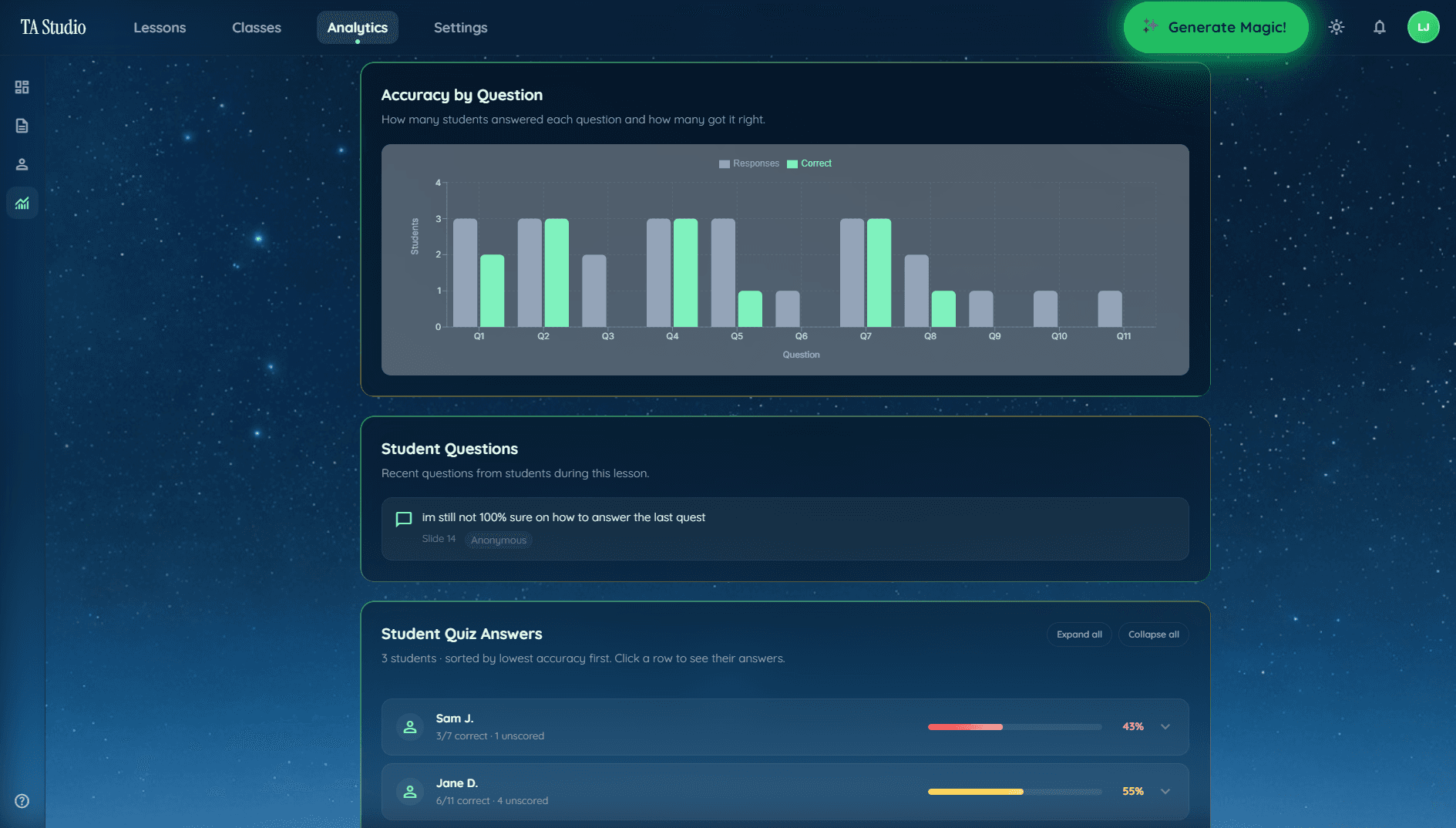
Select gamification as the method in TAyumira, enter your topic and year group, and the generator produces a lesson using the working mechanics — progress visibility, feedback-loop warm-ups, choice challenges — without the backfire patterns. Live classroom features (quizzes, confusion flags) plug directly into the warm-up and check-in steps.
FAQ
Does gamification in the classroom actually improve learning?
Evidence is mixed overall but converges on specific mechanics. Progress visibility, low-stakes feedback loops, and meaningful choice reliably produce more effort and engagement. Points, badges, leaderboards, and cosmetic rewards often produce short-term excitement but do not reliably increase learning and frequently backfire for lower-performing students.
What is the difference between gamification and game-based learning?
Gamification applies game mechanics (points, levels, challenges) to a non-game activity — the teaching is still direct. Game-based learning uses actual games as the teaching medium — students learn by playing. Both have their place; they are different methods with different implementation costs.
Why are classroom leaderboards a bad idea?
Leaderboards consistently demotivate the students in the bottom half — which is usually the half that most needed the motivation. Students at the top were already engaged. The net effect tends to be negative, and the effect is strongest in the groups where an engagement boost would have helped the most.
Can you gamify lessons without using technology?
Yes. A paper progress bar on the wall, a three-problem choice card, a visible warm-up score tally — all work offline. Technology makes the feedback loop faster but is not required. Starting low-tech also keeps the mechanic simple enough to run reliably.
Can AI generate a gamified lesson plan?
Yes, if the tool selects for mechanics that help rather than backfire. A general chatbot will often produce the full "points and badges" pattern. A dedicated AI lesson planner like TAyumira generates the working mechanics — progress visibility, feedback loops, meaningful choice — built into a standard lesson structure.
Pick one mechanic and try it
Start with progress visibility. Draw a unit progress bar on a corner of the whiteboard this Monday. Update it at the end of each lesson. See what happens over two weeks. If you want the lesson built for you, start a free TAyumira account.