Best Free AI Lesson Planner for Teachers (2026)
A comparison of the best free AI lesson planners in 2026, including what the free tiers actually include, which ones hide paywalls, and which ones work for K-12 and higher-ed.
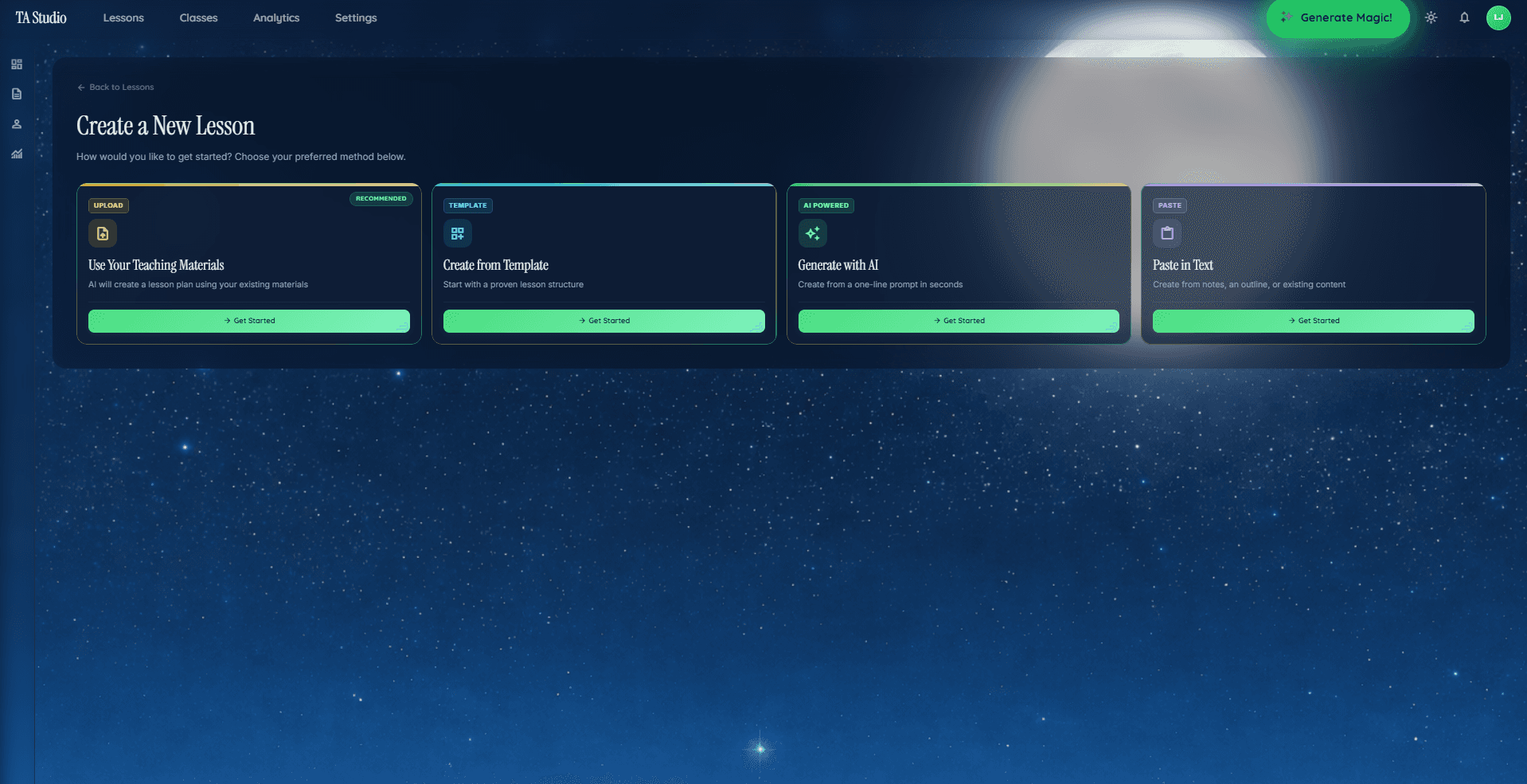
Teachers searching for a free AI lesson planner in 2026 are asking two different questions without realising it. The first question is: "Which tool will let me plan lessons without paying?" The second, harder question is: "Which tool's free tier is genuinely useful, rather than just enough to make me want the upgrade?" This guide answers both.
We evaluated six tools that have meaningful free tiers or free-access plans as of April 2026: TAyumira, MagicSchool, EduAide, Brisk Teaching, Curipod, and Diffit. For each one we asked the same five questions, compared them side by side, and then gave an honest per-tool verdict. The goal is to help you choose a tool that matches your actual workflow, not the one with the best marketing.
For a deeper comparison of TAyumira specifically against another popular option, see TAyumira vs MagicSchool. For a broader look at the full AI lesson planning landscape, including paid tiers, see The Best AI Lesson Plan Generator for Teachers (Compared).
Criteria We Evaluated
Before comparing tools we settled on five criteria that reflect how teachers actually use these products day-to-day. A generous credit limit is useless if the outputs are structurally weak. Export access matters if your school runs on Google Slides. Privacy posture matters if your students are under 18.
(a) Is it real-free or a trial?
Some tools offer a 14-day full-access trial and call it a "free plan." Others offer a genuinely permanent free tier with lower limits. The distinction matters enormously for teachers who cannot commit to a subscription mid-year. We only credit a tool with "real-free" if it offers ongoing free access with no expiry, even if usage is capped.
(b) Which teaching methods does it actually support?
Generating a lesson and generating a structured lesson are different things. A tool that supports retrieval practice will produce a lesson with a low-stakes quiz at the opening, spaced repetitions, and a formative exit ticket at the close. A tool that does not support it will produce a generic "review activity." We looked at whether each tool's free tier includes structured pedagogical method selection, or whether that is locked behind a paid plan.
(c) Does the free tier include assessments and exit tickets?
Assessments are one of the highest-value outputs an AI lesson planner can produce. We checked whether the free tier generates exit tickets, formative checks, and quiz questions aligned to the lesson objective, or whether those features are gated.
(d) Export formats on the free tier
Many teachers need to share lessons with colleagues, submit them to department heads, or drop slides directly into a Google Classroom. We checked which export formats — PowerPoint (.pptx), Google Slides, PDF, Word (.docx) — are available on the free tier versus locked behind a subscription.
(e) Privacy posture and FERPA stance
Any tool used in a K–12 context in the United States needs a credible FERPA posture. For EU-based schools, GDPR data residency matters. We noted each tool's stated approach at the time of writing, while acknowledging that privacy policies change and you should always read the current version before entering student data.
Six-Tool Comparison Table
The table below summarises findings as of April 2026. Cell contents are intentionally categorical rather than precise, because pricing and feature access change frequently. Verify current limits on each tool's public pricing page before making a decision.
| Tool | Real-free? | Methods supported on free | Assessments on free | Exports on free | Student data / privacy |
|---|---|---|---|---|---|
| TAyumira | Yes (3 lesson plans/month) | Full pedagogy library (retrieval, explicit instruction, flipped, cooperative, inquiry, PBL, gamification, mastery) | Exit tickets and formative checks included | PDF and PPTX included on free tier | FERPA-aware; data processed in the US |
| MagicSchool | Yes (limited generation credits) | General lesson builder; method depth varies | Worksheet and quiz tools available | Export access limited on free tier | US-based; FERPA-compliant documentation available |
| EduAide | Yes (limited generations per month) | Wide range of content types; structured method selection less prominent | Assessment generator available | Some export formats available on free tier | Privacy policy available; check current terms |
| Brisk Teaching | Yes (browser extension, limited actions) | Works within Google Docs/Slides context; method framing depends on your own prompt | Feedback and grading tools; dedicated assessment gen limited on free | Native Google integration; additional export gated | Google Workspace-aligned; review current policy |
| Curipod | Yes (limited slides generated per month) | Interactive lesson focus; strong engagement mechanics; method depth moderate | Student-facing poll and quiz components included | Curipod-native sharing; PPTX export availability varies by plan | EU-based; GDPR orientation |
| Diffit | Yes (limited adaptations per month) | Reading and text adaptation focus; not a full lesson planner | Comprehension questions generated | PDF and print; slides export limited | US-based; check current FERPA documentation |
Per-Tool Verdict
TAyumira
TAyumira's free tier includes three complete lesson plans per month with no expiry. Each plan is generated against a named teaching method selected from a library of eight — retrieval practice, explicit instruction, flipped classroom, cooperative learning, inquiry-based learning, problem-based learning, gamification, and mastery learning — and the full pedagogy library is available on the free tier, not reserved for paid plans. Exit tickets and formative assessments are generated inline with each lesson. PDF and PPTX exports are available without upgrading. The main free-tier constraint is the three-lesson monthly cap: teachers planning more than roughly three lessons a week will hit it quickly. The Starter plan at $8.99/month removes the cap for individual teachers; the Pro plan at $19.99/month adds live presentation and class-management tools. A Schools plan with custom pricing is available for whole-institution deployments.
MagicSchool
MagicSchool is one of the more established AI tools in K–12 EdTech, with a large library of content-generation templates covering lesson plans, differentiation, parent communication, and more. Its free tier offers a meaningful set of credits for content generation, though the specific limits may have changed since April 2026 — check the current pricing page. The tool's strength is breadth: it covers many teacher tasks, not just lesson planning. Teachers who want a wide toolkit for general classroom workflows may find MagicSchool's free tier genuinely useful; teachers who need deep pedagogical structure in their lesson plans specifically may find TAyumira's method-first approach a better fit.
EduAide
EduAide offers a wide range of content generation modes across a clean interface, with a free tier that allows a meaningful number of generations per month at the time of writing. Its approach is resource-generation-forward: you can create worksheets, discussion questions, quizzes, and rubrics alongside lesson plans. The free tier is genuinely usable for teachers who need to generate a variety of classroom resources rather than structured multi-stage lesson plans. If structured pedagogical method selection is less important to you than content variety, EduAide's free tier is worth trying.
Brisk Teaching
Brisk Teaching works differently from the other tools in this list: it is primarily a browser extension that integrates with Google Docs, Google Slides, and other tools you already have open. This makes it very low-friction for teachers who live in Google Workspace. Its free tier offers a limited number of AI actions per month. Because it operates in context — reading the document you already have open — it can assist with editing, giving feedback, and generating content inside your existing workflow. The constraint on the free tier is the action limit, and structured pedagogy-first lesson generation is less central to its design than it is to TAyumira or MagicSchool.
Curipod
Curipod focuses on interactive lessons with student-facing poll, draw, and quiz components built in. It is notable for strong real-time student engagement mechanics: teachers generate a lesson, share a code, and students join on their own devices to respond to prompts. The free tier allows a limited number of lessons or slides generated per month at the time of writing. Curipod's differentiated advantage is the live interactivity, not the pedagogical depth of the lesson structure. It is an EU-based company with a GDPR orientation, which may matter for European schools. Teachers who want interactivity baked into the lesson artefact rather than bolted on will find Curipod compelling.
Diffit
Diffit occupies a distinct niche: it specialises in reading-level adaptation. You give it a text — an article, a passage, a source document — and it adapts that text to a target reading level, generates comprehension questions, and creates vocabulary support. It is not, strictly speaking, a lesson planner in the same sense as the other tools. Its free tier allows a limited number of text adaptations per month. For teachers who spend significant time differentiating reading materials across ability groups, Diffit is genuinely useful. For teachers whose primary need is generating structured lesson plans from scratch, it is not the right starting point.
When to Pay Up
The free tiers described above are real and useful. But there are circumstances where upgrading makes clear economic sense, even on a teacher budget.
If you plan more than roughly three structured lessons per week, TAyumira's free tier cap will become a friction point within the first month. The Starter plan ($8.99/month at the time of writing) removes the cap for individual users without bundling in institutional features.
If your school needs FERPA documentation or SSO integration, free tiers across all tools in this list are unlikely to satisfy your IT department's requirements. Institutional plans — TAyumira Schools, MagicSchool for Schools, and equivalent tiers at other tools — typically include formal compliance documentation, admin dashboards, and single sign-on. These are features that exist at the school level, not the individual teacher level.
If you teach across multiple subjects and need consistent pedagogical structure, the difference between a free tier and a paid tier often shows up in consistency. Free tiers can feel like they were designed to demonstrate capability, not sustain a full teaching workflow. For heavy lesson planners — those running the tool daily rather than occasionally — a low-cost subscription typically becomes the bottleneck-free option within a few weeks of use.
If you need live presentation tools alongside lesson generation, tools like TAyumira's Pro plan include a live classroom presenter that lets you present directly from the generated lesson. That is a different category of product from a lesson plan document, and it is not typically available on any tool's free tier.
Frequently Asked Questions
Is it really free, or is it a trial?
It depends on the tool. As of April 2026, TAyumira, MagicSchool, EduAide, Curipod, and Diffit all offer permanently free tiers with no expiry — the usage is capped, but the access does not expire after a trial period. Brisk Teaching's free tier is also genuinely ongoing. Always check the current pricing page for the tool you are evaluating, because free tier structures change more often than paid plan pricing.
What is the best free AI lesson planner for K–12?
The honest answer depends on what you mean by "best." If structured pedagogical method selection is your priority — you want lessons built around retrieval practice, explicit instruction, or inquiry-based learning specifically — TAyumira's free tier includes the full pedagogy library at no cost. If breadth of content-generation tools matters more, MagicSchool or EduAide may suit you better. If interactivity and student engagement mechanics are the priority, Curipod is worth evaluating.
Do any free AI lesson planners export to Google Slides?
Export access is one of the features most commonly gated behind paid plans. At the time of writing, TAyumira's free tier includes PPTX export, which can be imported to Google Slides in a few clicks. Native Google Slides export availability varies by tool and plan. Brisk Teaching's integration with Google Workspace is native, but operates differently — it works inside documents you already have open, rather than generating a standalone file. Check each tool's current export documentation before committing to a workflow that depends on a specific format.
Can I use a free AI lesson planner with student data?
You should be cautious about entering identifiable student data into any free-tier AI tool without first reading the tool's current privacy policy and confirming it meets your school's requirements. For K–12 schools in the United States, FERPA compliance documentation is the baseline. For EU schools, GDPR data residency matters. Most tools in this list have published privacy documentation, but free tiers may have different terms than institutional plans. If student data is involved, request the current data processing agreement before use, regardless of which tool you choose.
Which free AI lesson planner supports inquiry-based learning?
TAyumira's pedagogy library includes inquiry-based learning as a named method on the free tier. When you select it, the generator structures the lesson around a driving question, scaffolded investigation stages, and a synthesis activity — rather than generating a generic "exploratory lesson." If inquiry-based learning is a regular part of your practice, see the inquiry-based learning examples and lesson plan template post for a detailed breakdown of what a well-structured inquiry lesson looks like before relying on any AI tool to produce one.
Get Started With TAyumira Free
TAyumira's free tier gives you three complete, method-structured lesson plans per month — including assessments, exit tickets, and export — with no trial expiry and no credit card required. If you need more than three a month, or if you want live classroom presentation tools, the paid plans start at $8.99/month.